This simple Photoshop tutorial will teach you how to create a cool Cyberpunk avatar that is perfect for use on Facebook, in forums and message boards or on any other social network you may be a member of.
In this tutorial I'm going to teach you how to make your photos seem like they were taken with an antique camera. This technique is neat and can be used for a wide variety of purposes.
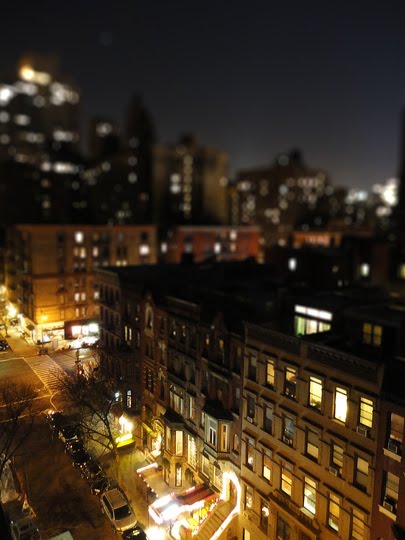
Chances are you've probably seen pictures like this, photos of a skyline or landscape that somehow looks like it's a photo of a miniature. This effect comes from a technique called "Tilt Shift" and usually requires specialized equipment. This easy to follow Photoshop tutorial will teach you how to achieve the same effect on almost any photograph.
Sepia is the name of the orange hue you'll see in antique photographs and they work well as an alternative to Black and White photographs. There are a few ways to make a color photograph appear to be sepia toned but this simple tutorial will teach you the best method for achieving a rich sepia tone in Photoshop.
The term "Pinhole Photography" generally refers to a photographic technique using home made cameras, the effect can be pretty neat but the process can be be a bit cumbersome. This simple tutorial will teach you how to give any photograph a pinhole camera effect using a few steps in Photoshop.
While photography has come along way in the past 30 or 40 years people still like the look of vintage photographs. The vintage look shows up in magazines, on websites and in advertisements. This tutorial will show you how to take any photograph and give it that vintage look. If you don't have a photograph right now then feel free to download the one I have used in this tutorial.